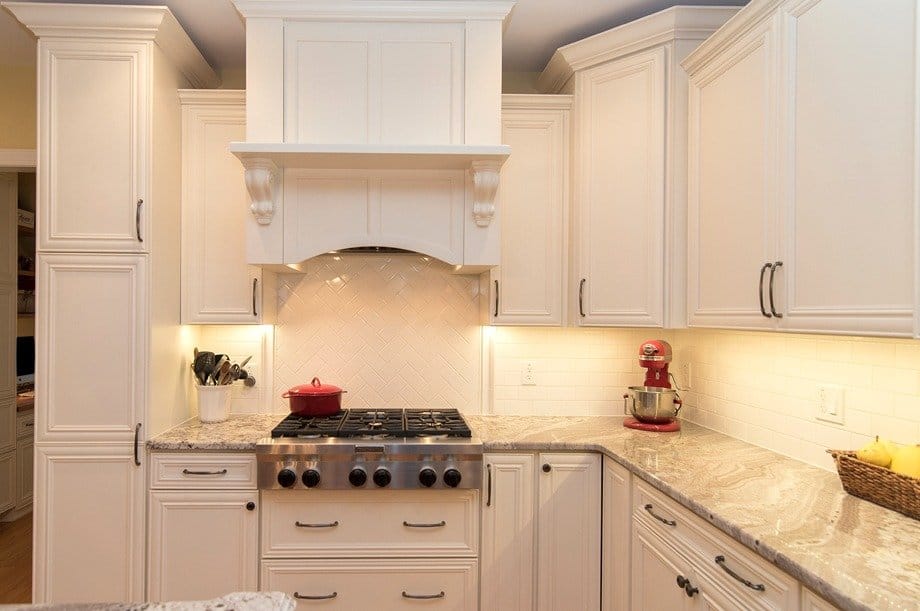

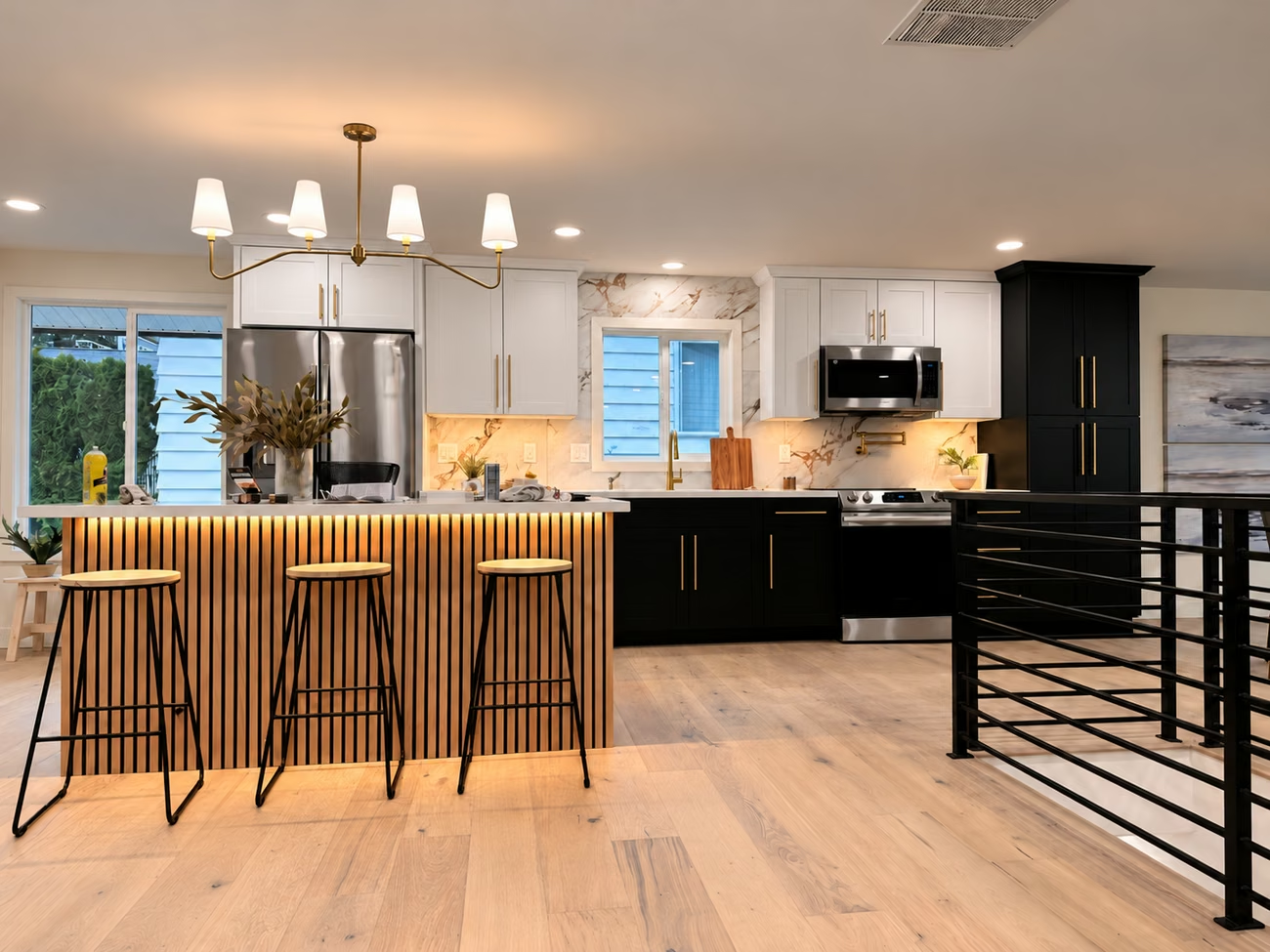
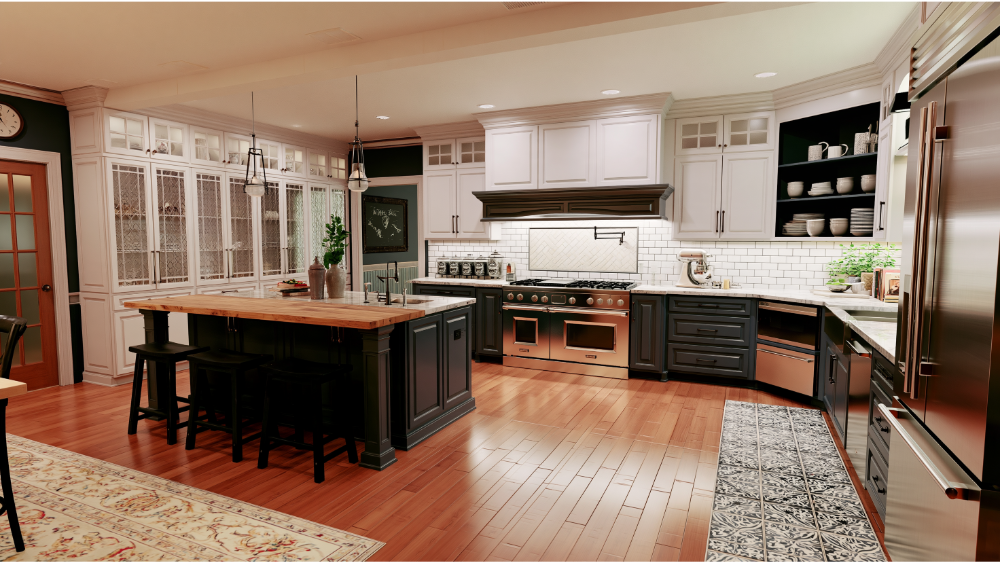
Completed kitchen · Edmonds, WA · lighting enhanced
The most useful kitchen remodel app is the one that helps you make a specific decision. A room sketch, a cabinet-system planner and a three-dimensional model do different jobs. Start with the question you need to answer: whether the layout fits, how a finish palette feels or how to explain your priorities to the project team.
Begin with a measured sketch
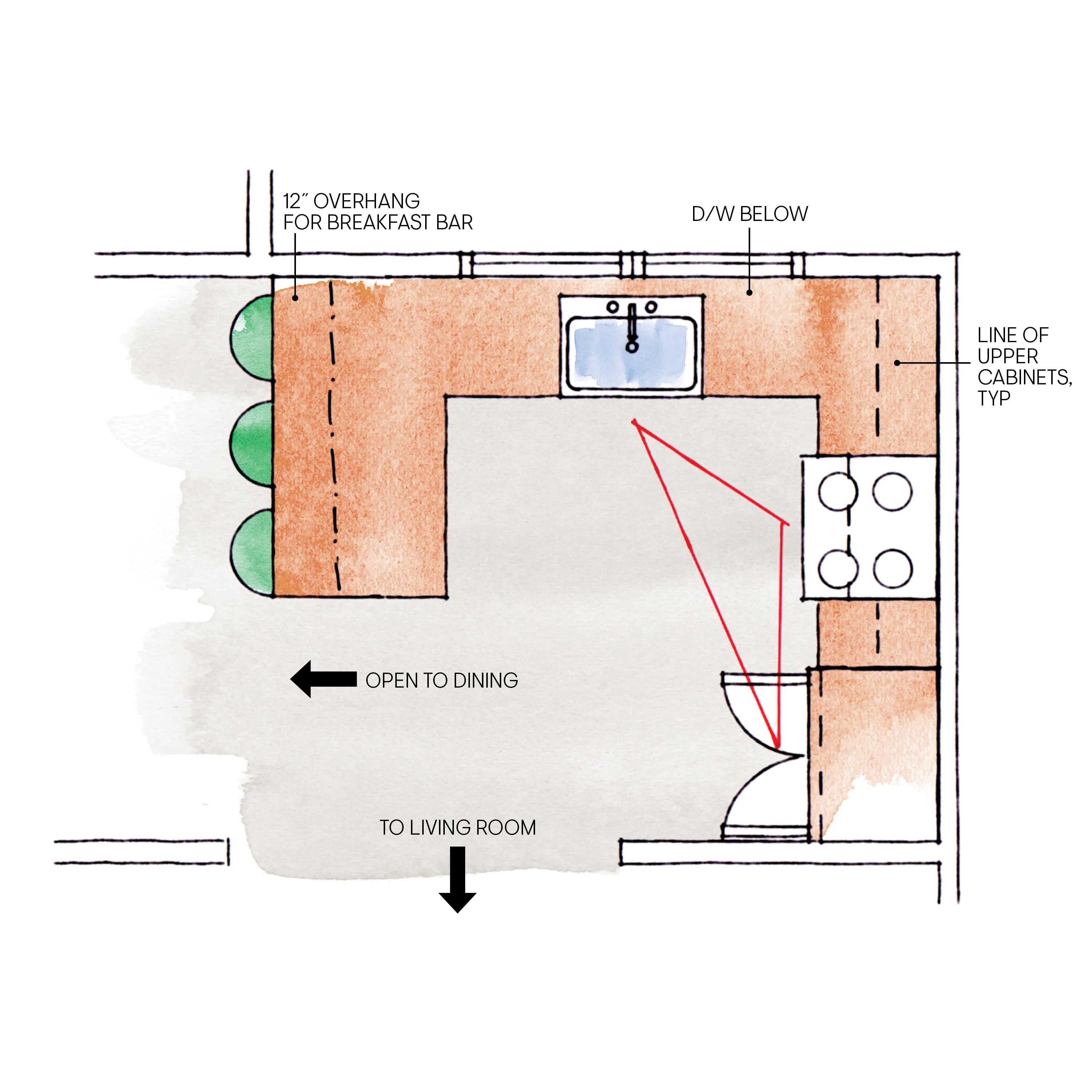
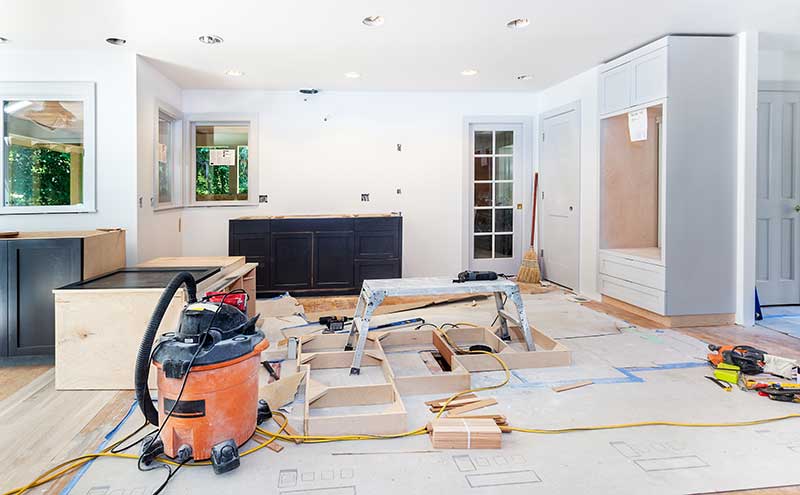
Record wall lengths, openings, doors, windows and the fixed features of the existing room. Take photographs and keep them with the sketch. An app can make an inaccurate plan look polished, so the quality of the measurements matters more than the appearance of the first rendering.
Identify the units used by the software. Keep the existing plan separate from proposed changes so everyone can see what is staying, moving or being removed. Use the model to reveal questions, not to hide missing information.
Use a cabinet-system planner for that product system
IKEA offers an online kitchen planner that helps consumers work with its kitchen products and layout. It can be useful for exploring that system and organizing a planning conversation. A product-specific model should be understood in the context of the products it contains.
If the finished kitchen uses another cabinet line, verify its sizes and details separately. A pleasing arrangement of one manufacturer’s catalog does not establish that another line will fit in the same way.
Use general modeling tools for spatial ideas
SketchUp for Web is a browser-based modeling option for developing spatial ideas. Before choosing a tool or plan, review the current account, licensing, sharing and export features that apply to your intended use.
A general model can help compare an island, a peninsula or the relationship between a kitchen and dining area. It does not automatically resolve appliance installation, structural design, utilities, permits or the final construction documents.
Compare tools using a practical checklist
Check whether you can enter actual dimensions, show door swings, adjust room shapes and save a version that another person can read. Consider how you will export or share the plan and whether the products shown can be identified.
For a free kitchen design app, inspect the current limitations before investing time in a detailed model. The useful output may be a clear annotated plan and a short selection list, rather than a highly polished image that cannot be shared.
Keep inspiration separate from approved selections
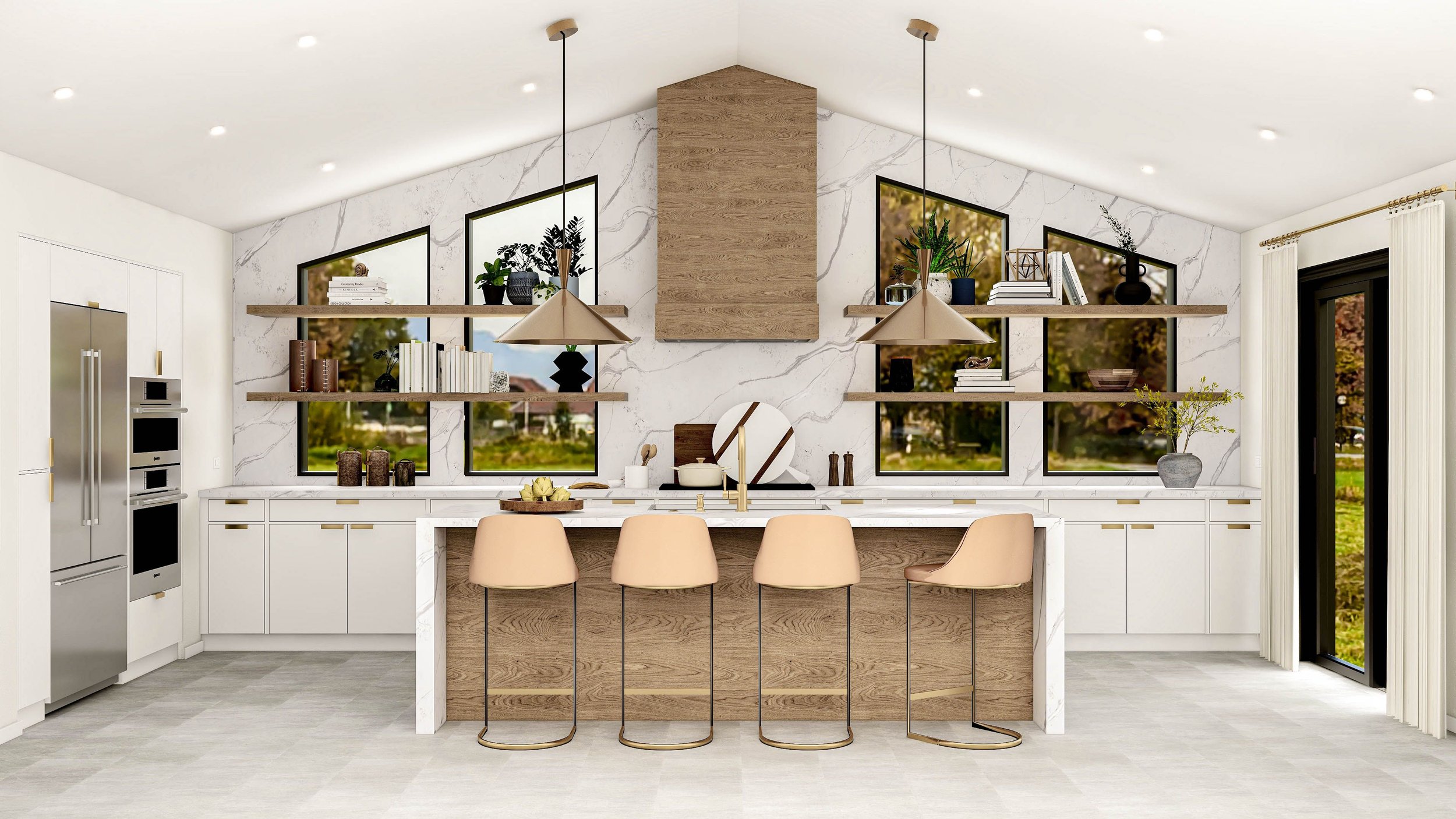
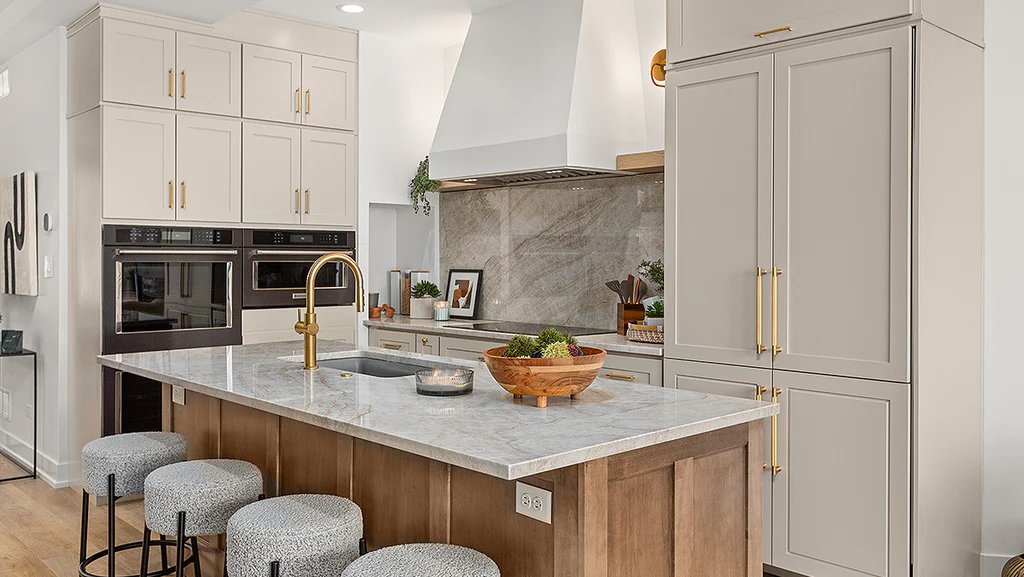
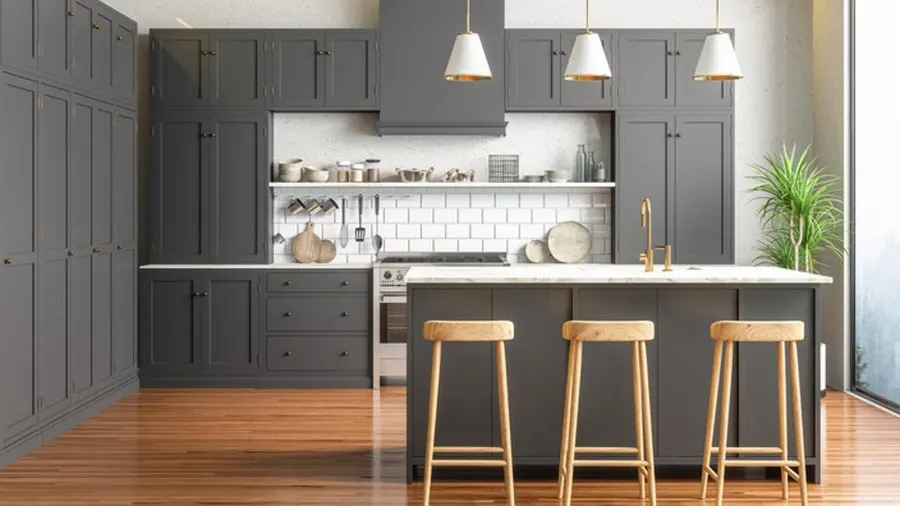
Collect a few reference images and describe the features you like: storage, color, lighting, a door profile or the relationship between rooms. Avoid treating every item in an image as part of the proposed work.
Mark the decisions that are still open. A short list of must-haves, alternatives and questions makes a planning conversation more productive than a large folder of unrelated pictures.
Bring the model into a written project scope
Ask who verifies the field measurements, prepares required drawings and approves product orders. Confirm whether three-dimensional views, architectural documents or engineering are included and how related fees are handled.
At a consultation with Oleg & Sons Bellevue Home Remodeling, bring the sketch or model along with your current photographs. We can use them to discuss the layout, materials and planning responsibilities for your actual home.
Plan the next step for your home
Bring your room photographs, priorities and any existing plans to a free 30-minute in-home consultation with Oleg & Sons Bellevue Home Remodeling. We can discuss the scope and the next planning steps for your home. Product, professional and construction responsibilities are confirmed in the written proposal.
Sources and further reading
Use the current product or authority information for your selected materials and property.

.svg)






.webp)


.webp)


.webp)